
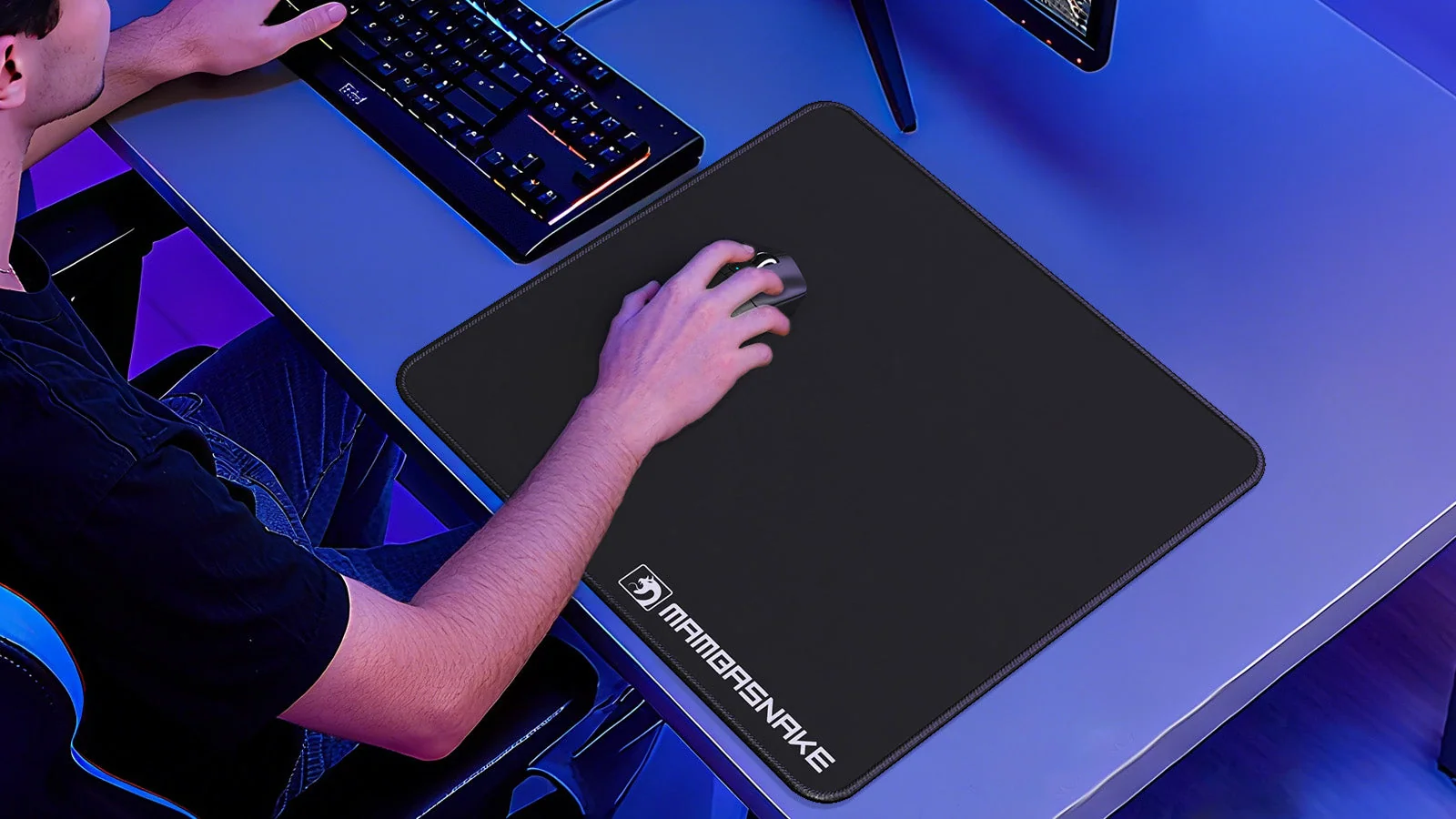
Selecting an appropriate mouse pad can noticeably influence your gaming experience. The surface you choose affects both the smoothness and accuracy of your mouse movements, which can play a role in everything from fast-paced action games to those requiring careful, strategic inputs. Mouse pad surfaces vary from soft and flexible to hard and ultra-smooth, each providing distinct levels of glide, control, and durability. Understanding these differences can help you refine your precision or select the optimal feel for your setup. The main surface types behave differently when a mouse starts, glides and stops, so the right choice depends on which of those moments matters most in the games you play.
Why surface choice matters in gaming
The type of mouse pad surface you use directly impacts how your mouse moves and tracks. In gaming, even slight changes in glide or resistance can influence response time and aiming accuracy. Soft pads generally provide more texture, giving additional stopping power for precise adjustments. In contrast, hard surfaces offer faster movement with reduced friction, which may suit players who prioritize rapid actions. Two kinds of resistance are at work here. Static friction is the force needed to get a resting mouse moving, while dynamic friction is the drag you feel once it is already gliding.
Durability is another important factor, especially if you spend several hours gaming each week. Materials such as tempered glass offer a combination of smooth glide and resistance to long-term wear. While cloth pads may develop visible signs of use over time, harder surfaces often maintain consistent performance throughout their lifespan.
Key factors when selecting a mouse pad
When selecting a gaming mousepad for enhanced performance, evaluate the surface material alongside the dimensions that fit your desk. Micro-woven cloth pads are recognized for their balance between speed and control, making them useful for those who want dependable stopping ability without too much drag. Hard pads, often made from materials like glass or smooth plastic, are designed for low friction and allow rapid movements across the screen. Cloth is not inherently the slower material. The weave structure, any fabric coatings and the firmness of the underlying foam all influence how smoothly a mouse moves across a cloth pad.
Pad thickness also affects comfort during longer sessions. Thicker pads add more cushioning under the wrist. Extended desk mats cover larger areas and help keep both keyboard and mouse stable during intense gameplay. Players who want improved glide combined with durability may also consider advanced surfaces such as tempered glass. Size categories warrant close inspection, since labels like XL or XXL lack standardisation across different manufacturers. Checking the specific dimensions in millimetres provides a more reliable assessment of the total space a pad offers.
Matching your mouse pad to your gaming style
Your preferred game genre and playing style should guide your selection. Fast-paced shooters often require quick flicks and broad movements, making low-friction hard pads a practical option. Games or tasks that demand precise cursor control typically benefit from textured cloth surfaces that enhance fine motor adjustments. Sensitivity matters as much as genre. A low setting moves much of the aiming from the wrist to the arm, and a larger pad then leaves more room before the mouse has to be lifted and repositioned.
The amount of available desk space can also determine which type of mouse pad is most suitable. Smaller workspaces may call for standard-sized pads, whereas larger setups accommodate extended mats that support wide arm movements. Comfort features like thickness can make extended sessions more manageable; consider what feels comfortable over longer periods.
Focusing on material type, size, thickness, and your own preferences can help you choose a mouse pad that supports both comfort and accuracy throughout your gaming sessions.