
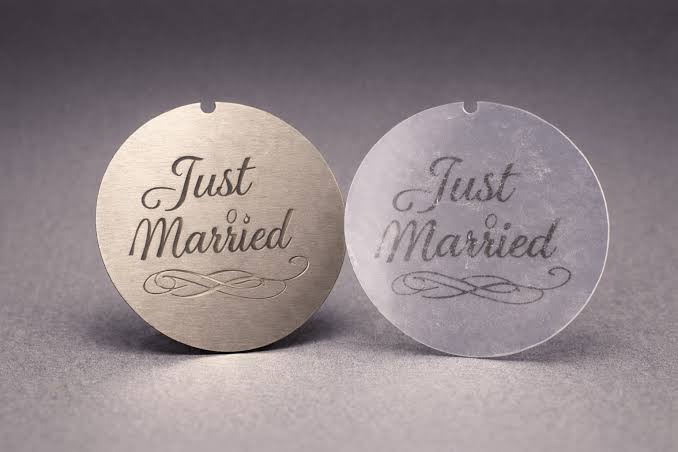
Why a small-size check matters before the lights go on
A tiny disc can shape a whole wall of light. Yet its size starts with the holder inside the lamp. We might spend hours choosing a font, then skim past the size box. That small box deserves a closer look. When we plan a design around custom gobos, we need to match the art to the light that will show it. A gobo is a small metal or glass disc that shapes light into a pattern. It can show words, shapes, or a logo on a wall or floor. But a great design still needs the right fit. We have to check both the full disc and the space used for the art. Those two sizes serve different jobs.
We wrote this guide to make those checks feel less like guesswork. We will look at common gobo sizes, explain the chart, and show what changes with metal and glass. We will also clear up a common mix-up: the size of the art on the disc is not the size on the wall. The lens and the distance help set that final size. There is no need to learn a long list of lighting terms. We need to know which numbers matter and where to find them. With that clear, we can ask better questions before placing an order. A short check now can save us from a disc that fits but cuts off part of the design. That is a good trade for a few minutes.
What the two gobo measurements tell you about the fit
The outside diameter is the width across the whole disc. You will often see it marked as OD on an order form. This tells you whether the disc fits its holder. The image diameter is the round area that can hold the design. It is often marked as ID. Your art must stay within the area your light can show. A disc can fit the holder while its image extends too far. The outer parts of that image may then get cut off.
The term gobo image size refers to that design area. It does not tell you how wide the image will look on a wall. Your lens and the distance to the wall also affect that result. A larger disc is not a shortcut to a larger display. Start with the light’s limits, then plan the art and projected size. Keep these checks separate:
- Disc width: Will it fit?
- Image width: Will all the art show?
- Disc thickness: Will the holder accept it?
How to read a gobo size chart for metal and glass discs
Letter names offer a useful starting point when you compare sizes. Still, each row needs more than a letter to be useful. The chart below shows selected size references in millimeters. Metal and glass can have different image areas under the same size name. Even glass options can differ between makers. Treat these numbers as a guide, then check your fixture’s exact needs.
| Size and type | Outside diameter | Image diameter |
| A, metal | 100 mm | 75 mm |
| B, metal | 86 mm | 64.5 mm |
| M, metal | 66 mm | 48 mm |
| A, selected glass options | 100 mm | 48 or 60 mm |
| B, selected glass options | 86 mm | 48 or 60 mm |
A gobo size chart helps you compare options without mixing disc size with image size. It does not confirm that every listed option will fit your light. Glass is usually thicker than metal, which adds another fit check. Some glass discs use adapter rings that suit certain metal holders. A smaller image area may also give more even focus in some lights. Match the full set of specs before you approve the order.
- Check the exact fixture model.
- Confirm the chosen material.
- Ask about rings and thickness.
How to choose the right material and check your artwork
Your choice of material affects how the design is made. It also affects the detail you can keep. Check these three points before you send the final art.
- Check how metal holds the design together
Metal gobos work like stencils, with shapes cut through a thin plate. Some enclosed shapes need small metal bridges to keep their centers in place. Ask to see those bridges in the proof before you approve the design.
- Choose glass when the artwork needs finer detail
Glass supports fine designs without the bridges that metal often needs. It can also carry color or shades of gray, depending on the type you choose. Check that your light accepts the glass disc and its holder.
- Send clean artwork and review the final proof
For line art, send a clean vector file when the maker requests one. Ask how the design will fit within the agreed image area. Review the text, spacing, and edges before giving approval for production.
How we can turn a size check into a confident next step
We can make a sound choice by checking a few clear facts. The disc must fit the holder. The art must fit the image area. The material must suit both the design and the light. Once we know those limits, the size chart becomes much easier to use.
Our aim is to help you move from a size label to a clear order brief. Start with your fixture’s make and model, then gather its gobo specs. Send those details with your artwork and request a fit check. Before you order, get the disc size, image size, thickness, and holder confirmed. Give your design the right fit before you give it the spotlight.